Record · Transcribe · Translate
Many languages. One clear meeting.
Record the meeting you’re in. DayMarshal transcribes Spanish, French, and Mandarin as people speak, then places a clear English translation beneath every line. Everything it captures lands in the same workspace you already use on the web.

Recorded openly in DayMarshal. Fictional conversation.
What the apps add
Recording is the part only a phone can do.
Online calls can send a notetaker from any browser. In-person meetings need a microphone in the room, which is why capture, live captions, and translation live on the phone — while review, editing, and follow-through stay available everywhere.
On the phone
- Record in-person meetings with consent confirmed before capture starts
- Near-live captions with optional translation as each segment is transcribed
- Recording continues when you leave the app, with a Lock Screen timer and controls
- Send a visible notetaker into an online call from wherever you are
Everywhere
- Meetings, transcripts, summaries, and key topics
- Decisions, commitments, and risks tracked to their outcome
- The task board with labels, checklists, comments, and attachments
- Daily digests and Ask this meeting, answered from the transcript with citations
On the web
- Email intelligence over a read-only Gmail connection
- Meeting PDF export, including saved questions and answers
- Billing, invoices, and workspace administration
Inside the apps
The same work, in your pocket.
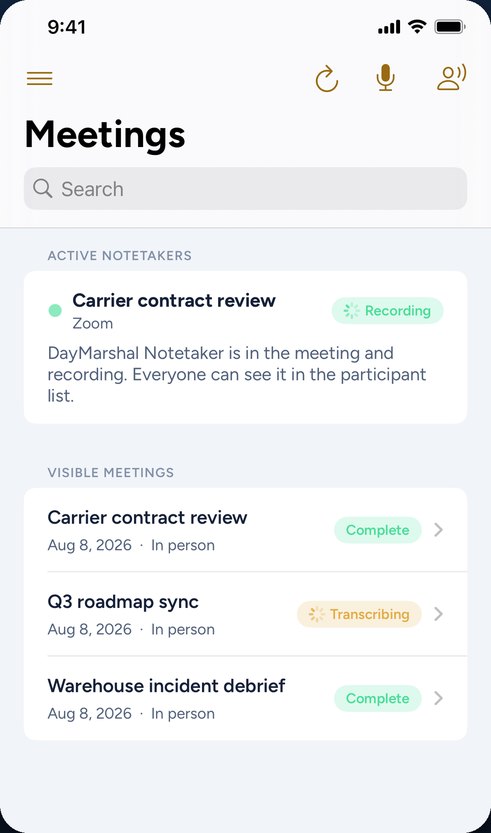
Meetings and live notetakers
Record the room, or send a visible notetaker into a Zoom, Google Meet, or Microsoft Teams call and follow its status as it joins.
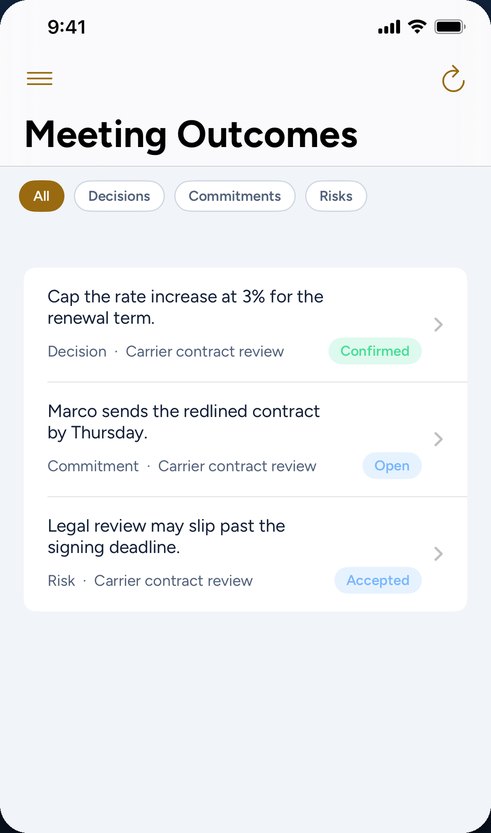
Decisions, commitments, risks
Every outcome the meeting produced, tracked to its resolution with the meeting it came from one tap away.
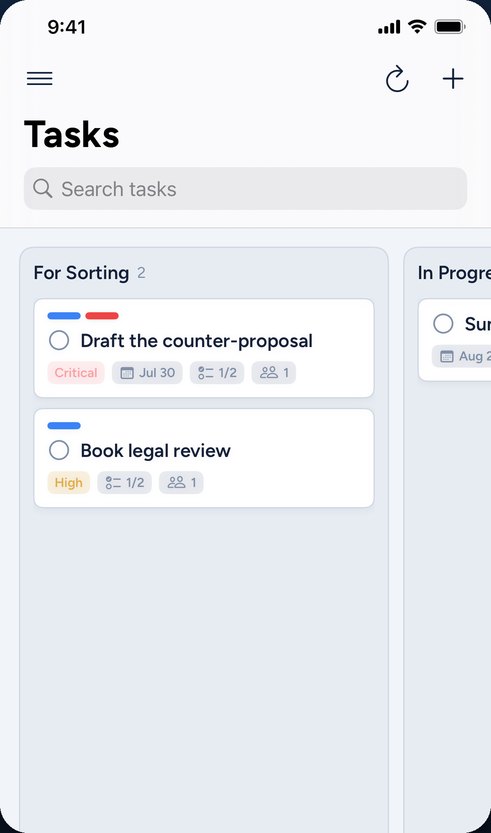
The same task board
Action items become cards you can search, reorder, and move between columns — the identical board you use on the web.
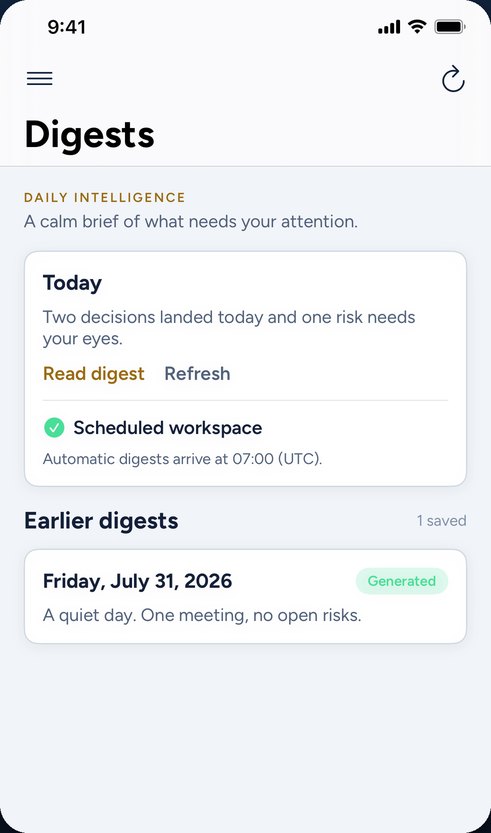
Your daily brief
The same digest the web app generates, readable on the way to the next meeting.
Recorded openly, by design
Nothing is captured quietly.
DayMarshal only makes recordings people can see being made. There is no passive listening, no always-on microphone, and no way to start a recording without saying so first.
-
Consent comes first
Recording cannot start until you confirm everyone present has been informed.
-
Visible while it runs
A Lock Screen indicator shows a recording is active — without exposing the meeting title or any transcript text.
-
The notetaker is a participant
On Zoom, Meet, and Teams it appears in the participant list and the host can remove it.
-
Audio does not linger
Temporary audio is deleted once the transcript is assembled. Transcripts and notes stay until you delete the meeting.
Start on the web today
Your workspace is waiting on every screen.
Create your account on the web and the app already knows you — plans, allowances and workspaces follow the account, not the device. Plans, allowances, and workspaces follow the account, not the device.
Start free